

Audience targeting is the practice of showing your website content, ads, or offers to specific groups of people based on characteristics like their location, interests, age, or browsing behavior. Instead of broadcasting the same message to everyone who visits your site, you customize what different visitors see to match what they actually care about.
Think about it this way. If you run a local bakery website, wouldn’t it make more sense to show your delivery options only to people within 20 miles? Or if someone’s been browsing your gluten-free recipes, why not show them your new gluten-free cake offerings rather than your regular menu? That’s audience targeting in action.
This approach matters because people respond better to content that feels relevant to them. When visitors see information that matches their needs, they’re more likely to stick around, click through, and become customers. You’ll spend less time and money reaching people who aren’t interested, and more time connecting with the ones who are.
In this guide, you’ll learn exactly how audience targeting works on websites, the main types you can use (even if you’re just learning to write your first webpage), and practical ways to start targeting audiences on your own site without needing a computer science degree. We’ll keep everything simple and actionable, so you can start seeing results quickly.
What Audience Targeting Means for Your Website
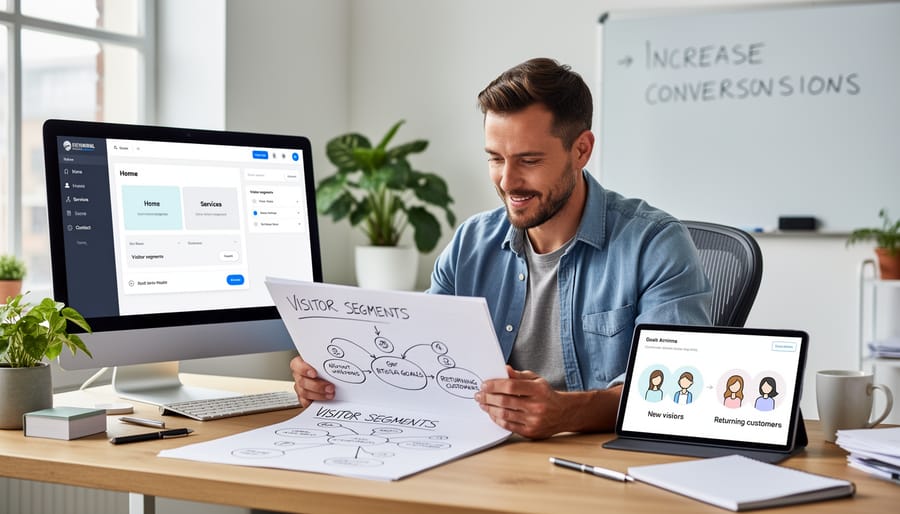
Audience targeting lets you show different things to different people who visit your website. Instead of every visitor seeing the exact same homepage, product description, or call-to-action, you can adjust what appears based on who’s looking at it.
Think of it like a helpful shop assistant who remembers regular customers and greets first-time visitors differently. If someone visits your bakery website from across town, you might show them your delivery options. If they’re browsing from another state, you could highlight your shipping policies instead. Same website, different experience, based on what each person actually needs.
- Visitor Segments
- Groups of website visitors who share something in common, like their location, the device they’re using, or whether they’ve visited before.
- Personalization
- Adjusting what content, images, or messages appear on your site to match what specific visitors are looking for or interested in.
- Targeting Criteria
- The specific characteristics you use to decide which content to show, such as geographic location, referral source, or browsing behavior.
- Custom Experiences
- Different versions of your website content that visitors see based on the targeting criteria you’ve set up.
The beauty of audience targeting is that you don’t need to build separate websites for different groups. Your bakery site stays one site, but a visitor from Chicago sees Chicago-relevant information, while someone in Phoenix sees what matters to them. You’re simply making your existing content work harder by showing the right version to the right person at the right time.
How Website Audience Targeting Works
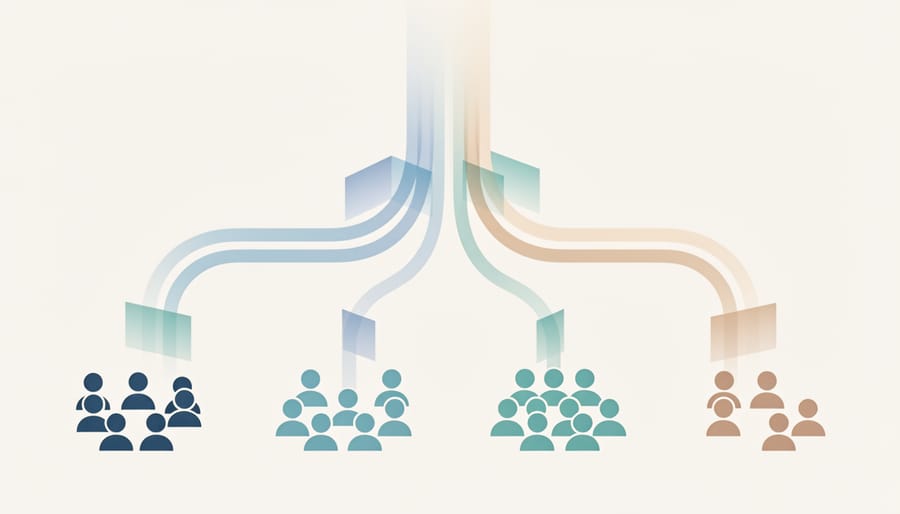
When someone visits your website, audience targeting happens in three straightforward steps that work together behind the scenes.
First, your website gathers basic information about each visitor. This might include where they’re browsing from, what device they’re using, which page they landed on, or whether they’ve visited before. Most of this information comes automatically through the visitor’s browser, no surveys or forms required. For example, when someone visits your bakery website from Boston, their browser naturally shares that location data.
Next, your website places that visitor into one or more groups based on the information collected. Think of these groups as simple categories: “first-time visitors,” “mobile users,” “people from California,” or “folks who visited our pricing page.” A single visitor might fit into several groups at once. That Boston visitor checking your bakery site on their phone would fall into both the “Boston area” group and the “mobile users” group.
Finally, your website shows content tailored to each group. This is where audience targeting creates a personalized experience. Your Boston visitor might see your Commonwealth Avenue location prominently displayed, along with today’s in-store specials. Meanwhile, someone browsing from Seattle sees your shipping options instead, since they can’t pop in for a fresh croissant.
The entire process happens instantly, in the fraction of a second between when someone clicks to visit your site and when the page appears on their screen. You set up the rules once, like “show local hours to nearby visitors”, and your website automatically applies them to everyone who visits. The visitor doesn’t fill out forms or answer questions; they simply see a version of your site that makes sense for them. The technology does the sorting and matching work, letting you focus on creating the different content versions your various audience groups will see.
Types of Audience Targeting You Can Use
Location-Based Targeting
Location-based targeting lets you show different content to visitors depending on where they’re in the world. It’s simpler than it sounds: your website detects a visitor’s location (usually from their IP address) and adjusts what they see accordingly.
This works great for businesses with multiple locations. You can automatically display the nearest store’s address and hours to each visitor. If you run regional promotions, shoppers in California might see different deals than those in New York. Language preferences fit here too, visitors from Spain could see your site in Spanish, while UK visitors get English.
You don’t need fancy tools to start. Many website builders include basic location detection, and simple plugins can handle the rest.
Behavior-Based Targeting
Behavior-based targeting watches what visitors actually do on your website and adjusts what they see accordingly. This might sound complex, but it’s really just paying attention to simple actions like which pages someone reads, how long they stay, or whether they’ve visited before.
For example, if someone lands on your pricing page and spends several minutes there, you could show them a special offer when they return. Or you might display a “Welcome back!” message to returning visitors while first-timers see a beginner’s guide. Some website owners track which blog posts someone reads and then suggest similar articles.
Even tracking something basic like whether visitors came back after their first visit helps you create more relevant experiences for different groups.
Device and Technology Targeting
Device and technology targeting lets you customize your website based on what device or browser visitors use. For example, mobile users might see a simplified menu or larger buttons, while desktop users get a full navigation bar. You can also adjust content based on browser type, particularly helpful when certain web development technologies work better in specific browsers. Small business owners often use device targeting to show click-to-call buttons only to mobile users, or display detailed product images exclusively on larger screens. This approach ensures everyone gets an experience that works well with their device, making your site more user-friendly across the board.
Referral Source Targeting
Referral source targeting lets you show different content based on how visitors arrived at your website. When someone clicks through from Google, you’ll know they searched for something specific. If they came from Facebook, they might need a different message than someone who clicked a link in your email newsletter.
This works because each traffic source brings visitors with different expectations. Someone from a search engine is actively looking for information. A social media visitor might be casually browsing. Email subscribers already know you and trust your brand.
You can use this to create welcoming experiences. Show new search visitors an introduction to your business. Greet social media arrivals with content that matches the post they clicked. Thank email subscribers for joining you. Even visitors who typed your web address directly can see a message acknowledging they’re returning customers or fans who know you well.
Common Ways Website Owners Use Audience Targeting
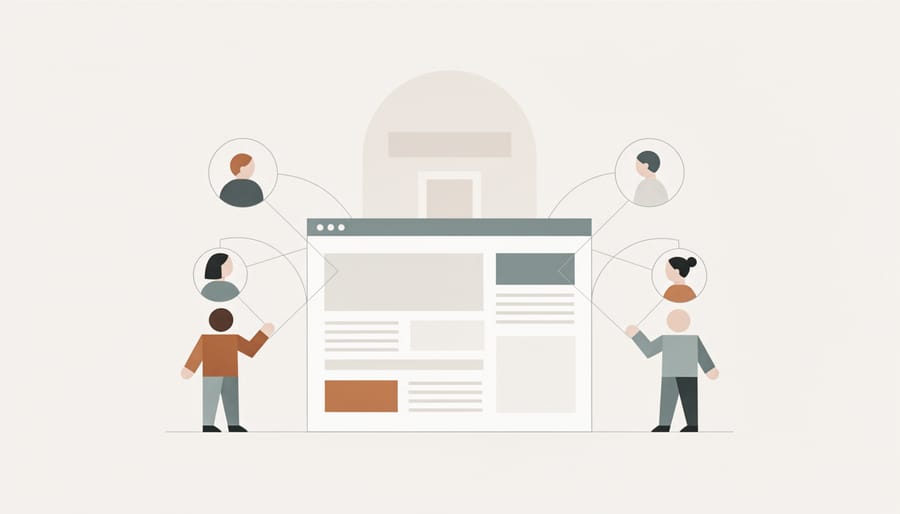
Once you understand what audience targeting is and how it works, the real question becomes: what can you actually do with it? Let’s look at some practical ways website owners put audience targeting to work every day.
Small businesses often start with their homepage. Instead of showing the same generic welcome message to everyone, they display different greetings based on whether someone is a first-time visitor or a returning customer. A local bakery might welcome new visitors with “Welcome! We’re a family-owned bakery in downtown Portland” while greeting returning customers with “Welcome back! Check out this week’s specials.”
Here are some of the most common and effective ways website owners use audience targeting:
- Personalizing homepage messages to speak directly to new visitors versus loyal customers
- Showing relevant product recommendations based on browsing history or location
- Displaying location-specific information like store hours, shipping options, or regional promotions
- Tailoring call-to-action buttons to match visitor intent (new visitors see “Learn More,” returning visitors see “Shop Now”)
- Adjusting content layout and features for mobile users versus desktop users
E-commerce sites use targeting to show products that match local weather. A clothing retailer might feature winter coats to visitors in cold climates while highlighting swimwear to those in warmer areas. This feels helpful rather than pushy because it’s genuinely relevant.
Service-based businesses target by referral source. If someone arrives from a Facebook ad about kitchen remodeling, they see content focused on kitchens rather than a generic homepage about all services. This continuation of the conversation increases the chances they’ll contact you.
Developers building portfolio sites use device targeting to showcase mobile-specific projects to mobile visitors or demonstrate responsive design capabilities. This shows technical competence while ensuring visitors see your most relevant work.
Some website owners adjust content complexity based on visitor behavior. If someone has visited your tutorial site multiple times, you might skip the beginner explanations and show more advanced content. You can also meet accessibility requirements by letting visitors choose their preferred reading mode or text size, then remembering that choice on return visits.
The key is that each of these applications solves a specific problem: reducing confusion, increasing relevance, or saving visitors time. You’re not manipulating anyone, you’re simply being a better, more attentive host.
Getting Started with Audience Targeting on Your Site
Starting with audience targeting doesn’t require expensive tools or technical expertise. If you can build a business website you can implement basic targeting strategies that make a real difference for your visitors.
Begin with location-based targeting, which is one of the simplest approaches. Many free website platforms include built-in tools that detect where your visitors are located. You might show different contact information to visitors in different cities, display shipping costs relevant to their region, or highlight your nearest store location. This requires no coding knowledge and takes just minutes to set up.
Once you’re comfortable with location targeting, try behavior-based strategies. Show a special offer to visitors who’ve been on your site for more than two minutes, or display a different homepage message to people who are visiting for the first time versus returning customers. Most website builders and content management systems include these options in their settings.
The best approach is testing one change at a time. Add your first targeting rule, watch how visitors respond over a week or two, and make adjustments. You’ll quickly learn what works for your specific audience. Many beginners find that just two or three well-chosen targeting rules deliver noticeable improvements in how visitors interact with their sites.
Don’t worry about implementing every targeting option at once. Professional marketers spend years refining their targeting strategies. Your goal right now is simply to show more relevant content to different groups of visitors, starting with the distinctions that matter most for your business.
Frequently Asked Questions
Starting with audience targeting doesn’t have to be complicated or expensive. Here are answers to the most common questions beginners ask:
Is audience targeting difficult to set up?
No, basic targeting can be surprisingly simple. Most website platforms offer built-in tools that let you show different content to different visitors without writing code. You can start with straightforward rules like showing location-specific information or different messages to new versus returning visitors.
Do I need special software or expensive tools?
Not necessarily. Many website builders and content management systems include basic targeting features at no extra cost. For more advanced targeting, free analytics tools and affordable plugins are widely available, with prices often starting at just a few dollars per month.
Will targeting slow down my website?
When implemented correctly, audience targeting has minimal impact on loading speeds. Modern targeting tools are designed to work efficiently in the background, and you can always test your site’s performance to ensure visitors still get a fast experience.
What about privacy concerns?
You can implement effective targeting while respecting visitor privacy. Focus on basic information like location and on-site behavior rather than personal data, and always follow privacy regulations by being transparent about data collection and obtaining consent when required.
The key is starting simple. Pick one targeting strategy that makes sense for your website, test it with a small group of visitors, and expand from there. You’ll gain confidence as you see how your audience responds to more relevant content.
Audience targeting might sound complex, but it’s really just about showing the right message to the right person at the right time. You don’t need fancy tools or a big budget to get started. Pick one simple strategy from this guide, maybe show different content to mobile visitors, or welcome returning customers differently than first-timers. Try it, see what happens, and adjust. Like any skill, you’ll get better with practice. The best part? Even small targeting improvements can make a noticeable difference in how visitors experience your site. Start with one change this week. Your website (and your visitors) will thank you.