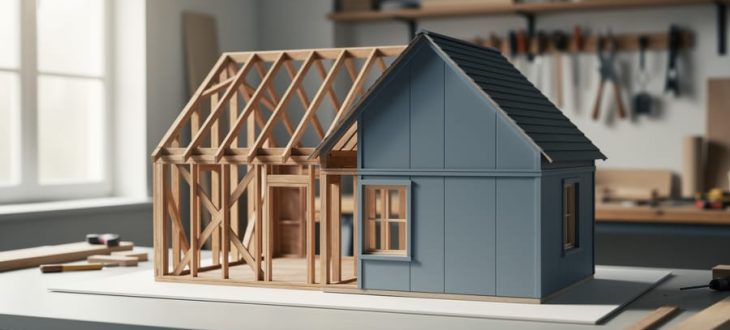
You don’t need to learn to code to hire a good web designer, but knowing two things will put you in charge of the project. HTML is the structure of your website: the headings, paragraphs, images, and buttons that make up each page. CSS is the style: the colors, fonts, spacing, and layout that make those pieces look like your brand. Think of HTML as the walls and rooms of a shop, and CSS as the paint, lighting, and shelving.
Why does this matter? Because when you can describe what you want in plain terms, you get quotes that make sense, spot vague promises quickly, and avoid paying for things you don’t need. A designer who hears “I want the menu to stay at the top as people scroll” will give you a far better answer than one who hears “make it pop.”
This guide takes about ten minutes to read. It walks through the main ways a site can be built, the questions worth asking before you sign anything, and the mistakes that cost small businesses the most. If you’d like to talk with a local team while you read, A Creative Agency works with business owners at exactly this stage.
Key Takeaway: HTML builds the structure of your site and CSS controls how it looks. Learn the main ways a site can be built, ask a designer five simple questions, and steer clear of a few common mistakes, and you can hire with confidence without writing a line of code.
Ready? Let’s start with what HTML and CSS actually do, using plain examples from everyday business sites.
HTML and CSS in Plain English: The Two Building Blocks of Every Website
What HTML Does for Your Business Pages
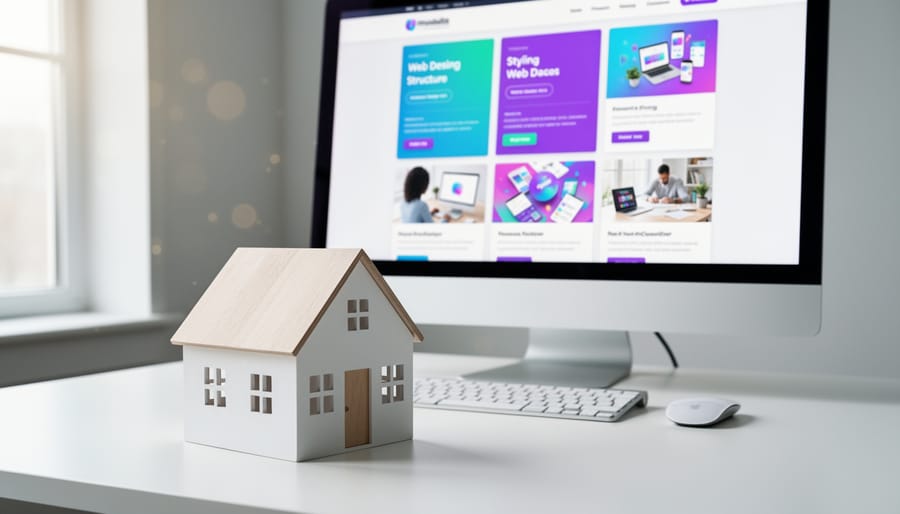
Think of HTML as the part of your website your customers actually read. Every heading, paragraph, link, image, and phone number on your page is placed there by HTML. When someone lands on your homepage and sees your business name, a short description of what you do, and a button to call you, that’s HTML doing its job.
Here’s what it handles for you:
– Headings that break up your page, like “Our Services” or “Contact Us”
– Paragraphs that explain what you offer
– Links that send people to your booking page or other parts of your site
– Images like your logo, team photos, or product shots
– Contact details such as your address, email, and phone number
The neat part is that clean, well-organized HTML does more than make a page readable. When the structure is tidy, screen readers can help visitors with disabilities move through your page, and search engines can understand what each part is about. Groups like the W3C publish recommendations for how HTML should be written, and good designers follow them. If you’re curious what that looks like in practice, Using semantic elements is a friendly place to start. You don’t need to memorize anything, just know that tidy HTML helps real people and search engines find you.
What CSS Does for Your Brand
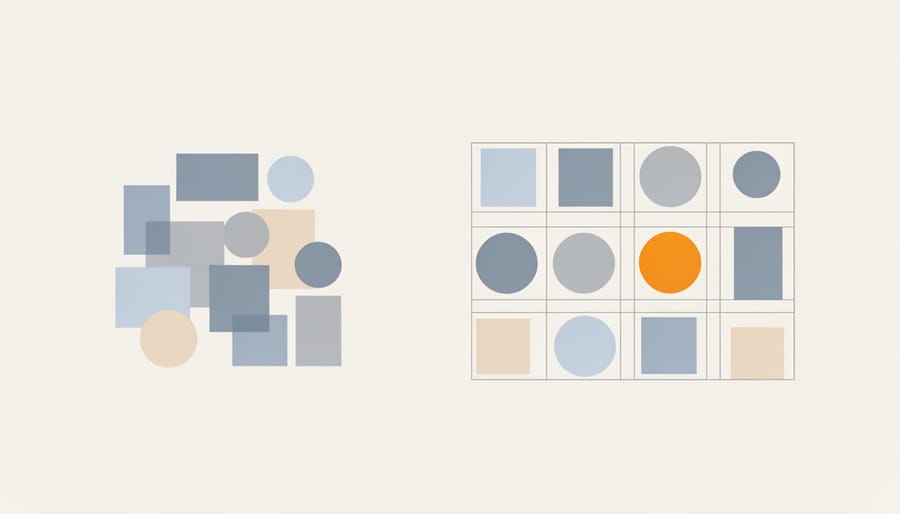
CSS is the paint, the decor, and the floor plan of your website. It’s what makes your site look like your business instead of a generic page. Here’s what it handles for you:
– Colors: Your brand colors show up the same way on every page, from buttons to headings.
– Fonts: CSS sets the typefaces and sizes that give your business its personality, whether that’s friendly and casual or polished and professional.
– Spacing and layout: It decides how much breathing room your text and photos get, and where things sit on the page.
Here’s the big win for brand consistency. Instead of styling every page by hand, a designer writes the rules once in a single file. Change your main color there, and it updates across the whole site. If you’re curious how that works behind the scenes, stylesheets explained in plain English is a great place to start.
CSS also controls how your site adapts to phones and tablets. A good designer sets rules so your layout rearranges itself to fit smaller screens, keeping text readable and buttons easy to tap. Mobile accessibility guidance shows how much this matters for real visitors. Your customers are likely browsing on their phones, so this is worth asking about.
Key Things to Check Before You Hire: What Good HTML and CSS Looks Like
Quick Ways to Peek at a Designer’s Work Yourself
You don’t need to read code to get a feel for a designer’s work. Just take a few minutes to check their past projects yourself.
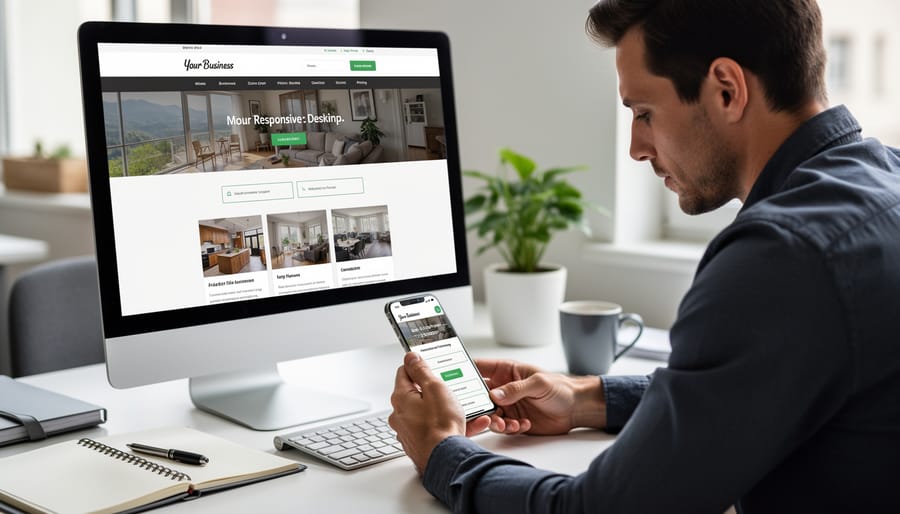
Start with your phone. Ask for links to two or three sites they’ve built, then open them on your phone. Does the text read easily without pinching and zooming? Do the buttons feel easy to tap? This is responsive web design (RWD) in action, and it’s one of the quickest signs of quality.
Next, try this on your computer. Grab the corner of your browser window and slowly drag it narrower. A well-built page rearranges itself smoothly instead of breaking or hiding content.
Finally, peek under the hood. Right-click anywhere on the page and choose “View Page Source” or “Inspect.” Don’t worry about the details. Just look for tidy, indented lines that seem organized. A messy wall of jumbled text, or signs of non-compliant HTML, can hint at shortcuts that cause headaches later.
These few checks give you a real, honest impression before you ever sign a contract.
Hand-Coded, Website Builders, or Themes? Comparing How Your Site Could Be Built
Here’s the good news: your website can be built in a few different ways, and HTML and CSS are part of every single one. The difference is how much of that code you (or your designer) touch directly.
With hand-coded sites, a developer writes the HTML and CSS from scratch. Nothing is pre-made, so the result is tailored to your brand. Website builders, like drag-and-drop tools, write the code for you behind the scenes while you move blocks around on screen. Themes are ready-made designs that sit on top of a content management system (CMS), and you fill in your own text and photos. Many owners pick this route and even self-install WordPress to get started on their own terms.
Here’s a quick side-by-side to help you see the differences:
| Approach | HTML/CSS involved | Best for | Flexibility | Ask your designer |
|---|---|---|---|---|
| Hand-coded | Written entirely by hand | Unique brand looks, special features | Very high | How will I edit text and photos later? |
| Website builder | Generated for you, light tweaks possible | Simple sites you want to manage yourself | Moderate | Can I export my content if I leave? |
| CMS theme | Pre-made code, easy to customize | Sites that grow and change often | High | Who owns and maintains the theme code? |
So who suits what? If you want a clean, simple site up quickly and don’t mind some limits, a builder is a friendly starting point. If you plan to add blog posts, pages, or products over time, a CMS theme gives you room to grow without starting over. And if your brand needs a look nobody else has, hand-coded HTML and CSS gives you the most control, though it usually costs more and relies on your designer for changes.
There’s no wrong answer here, only the right fit for your goals and budget. Knowing where the code lives in each option helps you ask smart questions, and a good designer will be glad you did. Next, we’ll match these options to common small business situations so you can see which one sounds most like you.
Which Option Fits Your Business? Our Recommendations
Five Questions to Ask Your Web Designer
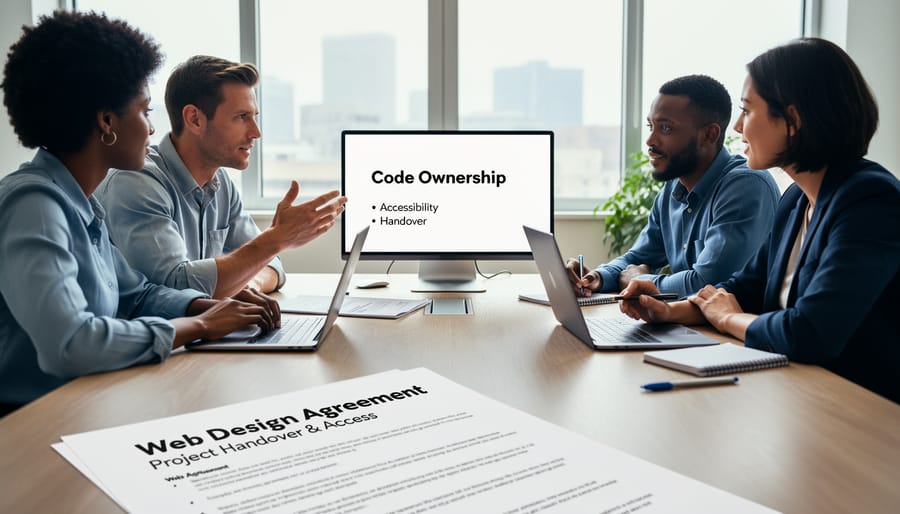
Walking into a first conversation with a designer can feel intimidating, but you already know more than you think. Here are five questions to bring along.
1. How will my site look and work on phones and tablets? Now that you know CSS controls layout, ask them to show you a past project on your own phone. A good designer will happily explain how the pages adjust to smaller screens.
2. Who owns the code and the design files when we’re done? Ask this before you sign anything. You want a clear, written answer that the finished site belongs to you.
3. How will I edit text, prices, and photos later? Some sites let you change a headline in a minute. Others need a designer for every tweak. Ask for a quick walkthrough so you know what you’re getting.
4. How do you handle accessibility? A well-built site works for people using screen readers or keyboard navigation. Ask how they structure their HTML to meet common accessibility requirements such as image descriptions and readable color contrast.
5. What happens after launch? Ask about hosting, backups, updates, and what support looks like if something breaks.
Don’t worry if some answers sound technical. A great designer will explain in plain English, and that’s your best sign you’ve found the right fit.
Mistakes to Avoid When Hiring a Web Designer
Hiring a web designer is a big step, and a few easy slip-ups are worth knowing about before you start. The good news is that each one has a simple fix, and your new HTML and CSS know-how makes them easy to spot.
- Skipping the mobile check: open a designer’s past projects on your phone and see if they look good before you sign anything.
- Not asking who owns the code: get it in writing that you own the HTML, CSS, and all your content.
- Ignoring accessibility: ask how the designer makes sites readable for people using screen readers or larger text.
- Choosing on looks alone: also check that pages load quickly and the structure behind them is tidy.
- Signing a vague contract: list the pages, number of revisions, deadlines, and total cost so everyone is on the same page.
- Forgetting future edits: ask how you’ll change text and photos later, and whether you’ll need to call the designer each time.
Don’t worry if you spot one of these on your own list. Most small business owners hit at least one of them on their first website.
The mobile check is a great place to start because it takes about a minute. Pull up an example site on your phone, tap around, and notice whether the text is easy to read without pinching and zooming. That quick test tells you a lot about how well the CSS was written.
Contracts deserve a little extra attention too. A clear agreement isn’t unfriendly, it’s the kind thing to do for both sides. When expectations are written down, designers can do their best work and you get exactly what you pictured.
Handy HTML and CSS Terms to Know for Your First Designer Chat
Here’s a quick cheat sheet so you can nod along with confidence.
Responsive design: A site that rearranges itself to fit any screen, whether that’s a phone, tablet, or laptop.
Hosting: The service that stores your website’s files and makes them available online. Think of it as the land your site sits on.
Domain: Your web address, like yourbusiness.com. It’s what customers type to find you.
Stylesheet: A file full of CSS rules that controls colors, fonts, and spacing across your whole site, so a change in one place updates every page.
Template: A ready-made page design a designer customizes with your content and branding.
Accessibility: Building pages so everyone can use them, including people who rely on screen readers or keyboard navigation.
Browser: The app people use to view your site, such as Chrome, Safari, or Firefox.
Alt text: A short written description of an image that helps screen readers and search engines understand it.
Don’t worry about memorizing these. If your designer uses a word you don’t know, just ask. A good one will happily explain.
Frequently Asked Questions About HTML, CSS, and Hiring a Designer
Do I need to learn to code before hiring a web designer?
Not at all. Your designer handles the coding, so you can focus on your business. Knowing a few basics just helps you ask better questions and feel confident in the conversation.
Can I update the site myself later?
Often, yes. Many sites are built so you can change text and photos without touching any code, but it depends on how your designer sets things up. Ask about this before the project starts so there are no surprises.
Is a website builder good enough for my business?
For many small businesses, it is. A simple brochure-style site can look great on a builder. If you need a very unique look or special features, a custom-built site may suit you better.
How do I know the code is good quality?
You can spot some signs without being technical. Check that past projects load quickly, look good on your phone, and feel easy to use. You can also ask your designer how they keep their code organized and accessible.
Should you learn HTML and CSS basics anyway? It’s a nice bonus, and a small one. Even an hour or two with a beginner tutorial can help you understand what your designer is talking about and spot when something doesn’t add up. But it’s completely optional, and you can hire well without it.
If you’re curious, start small. Try changing a heading or a color in a simple practice page, and you’ll quickly see how the structure and the styling work together. That little bit of hands-on experience makes those first designer chats a lot less intimidating.
Conclusion
You don’t need to become a coder to hire a great web designer. You just need a little know-how, and now you have it.
Remember the big picture: HTML is the structure and content of your pages, and CSS is the look and feel that carries your brand. With that in mind, you can check a designer’s past work on your phone, ask who owns the code, and find out how they handle accessibility and future edits. You can also pick the build approach that fits your business, whether that’s hand-coded, a website builder, or a theme.
A few good questions go a long way. Designers tend to respect clients who ask them, and you’ll avoid most of the common surprises.
Ready to learn a bit more? Explore our beginner HTML and CSS tutorials at your own pace, then take the next step and start those designer conversations. You’ve got this!